Website from Claude
I asked Claude to make a relevant portfolio website. I provided my resume so that it would know my qualification and details. I also provided my photo to attach to my website so that everyone knows my identity.
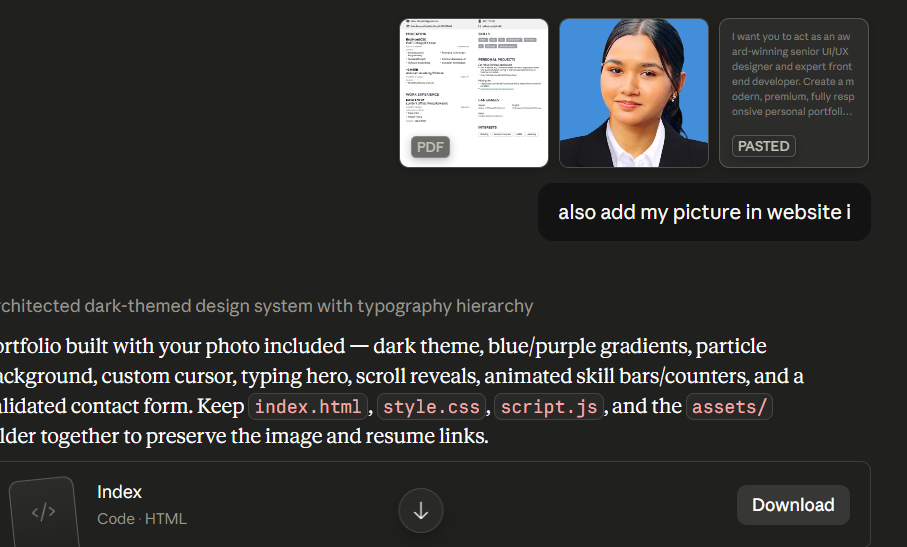
Finally, it gave me a pretty portfolio website. I downloaded it and unzipped that file.
Domain Registration
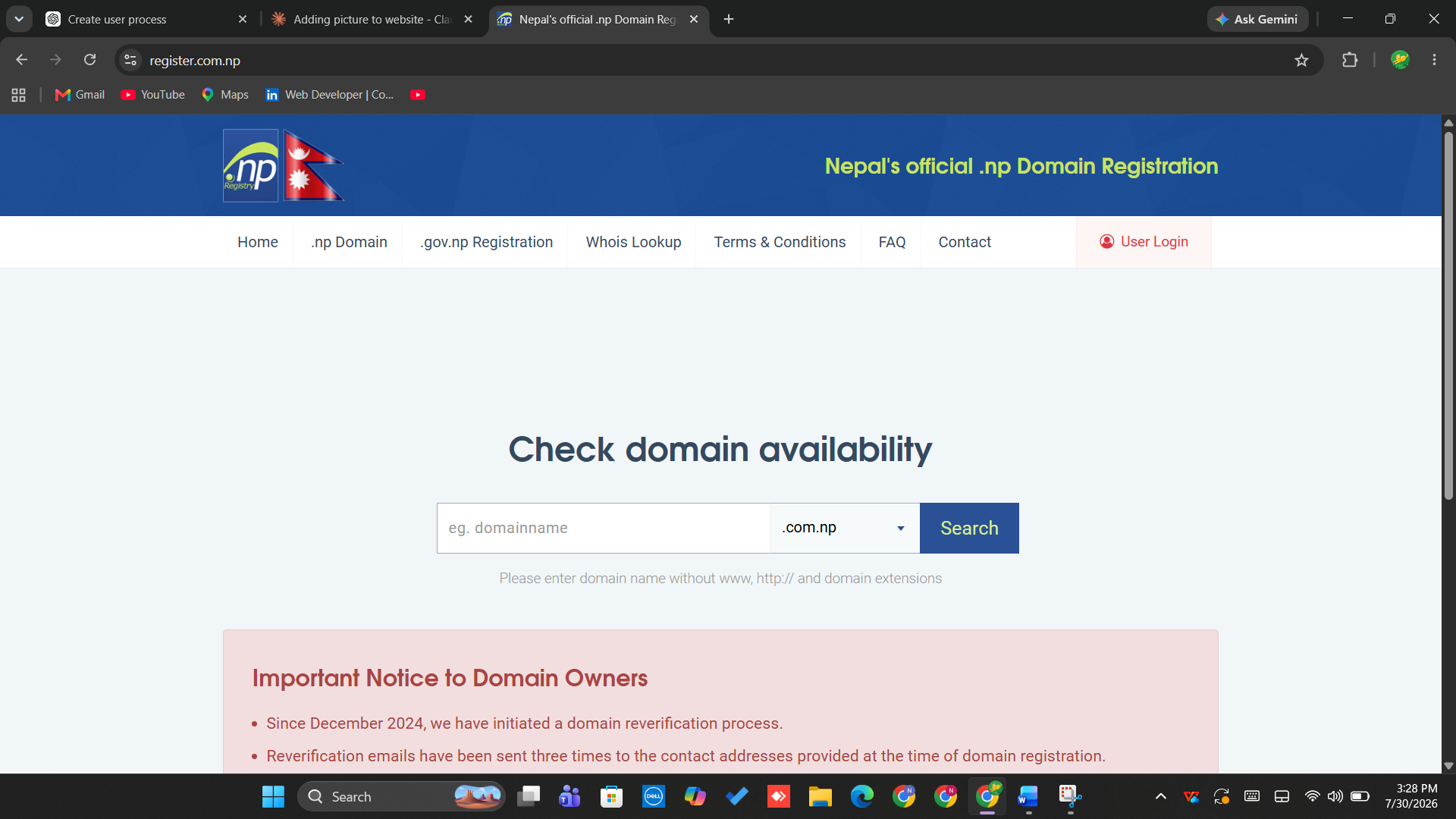
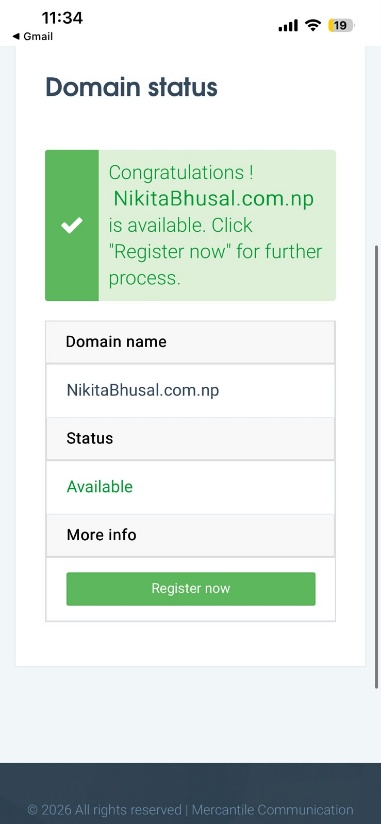
I searched "Nepal's official .np registration" in Google and opened it. Here, I searched the domain name "nikitabhusal.com.np" for my website to see if it was available or not. It was available so I proceeded. First of all, I went to the user login.
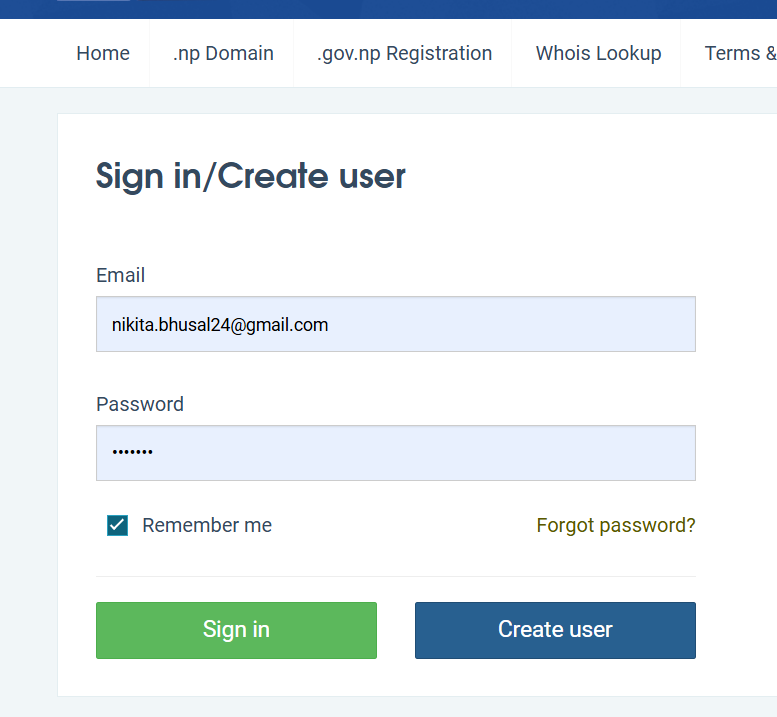
I entered my email address and password to create a user.
And I successfully created my account.
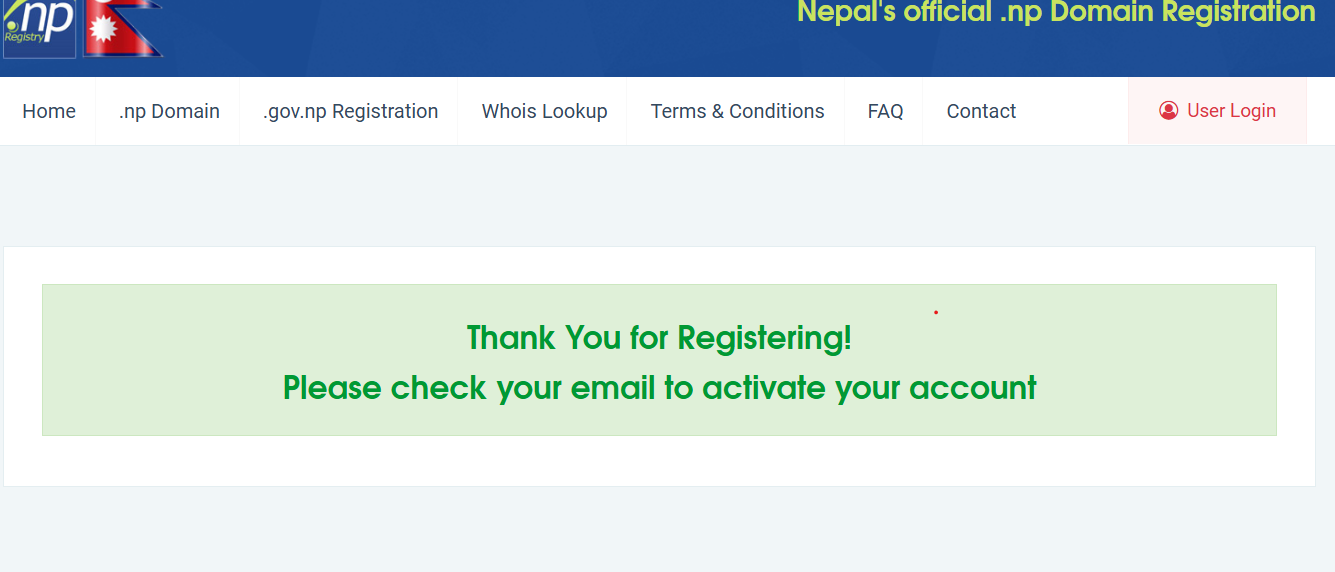
I got an email to verify:
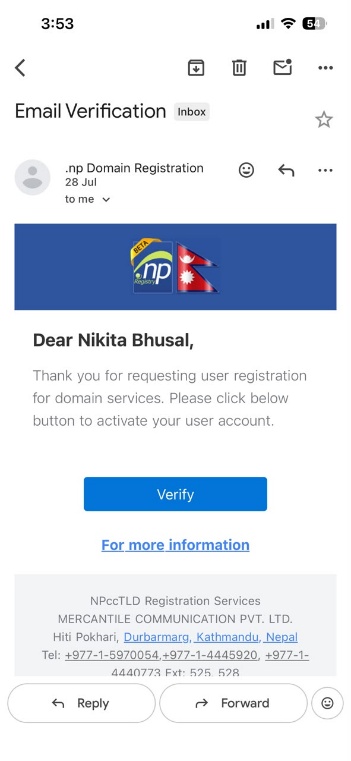
After verification, I searched my domain name and clicked on register now.
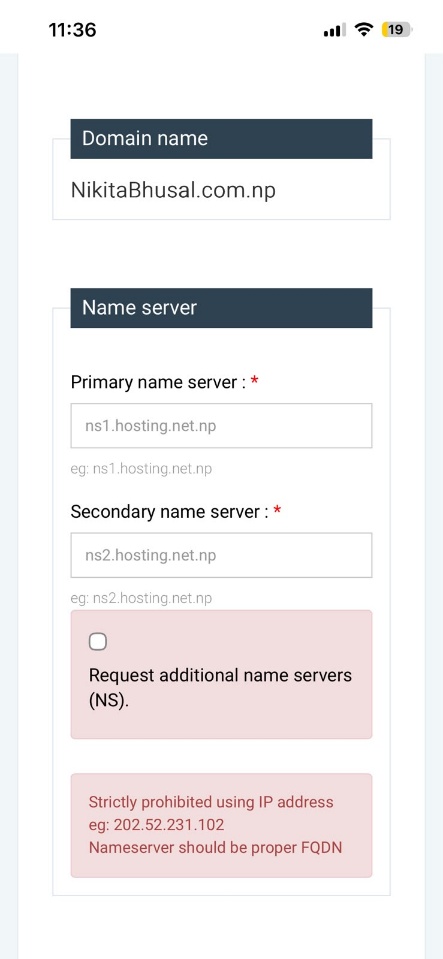
After that, I was asked for two name servers: primary name server and secondary name server.
I didn't have hosting yet so I used Cloudflare to get free nameservers that I could use for my domain.
I created an account and entered my domain name in Cloudflare.
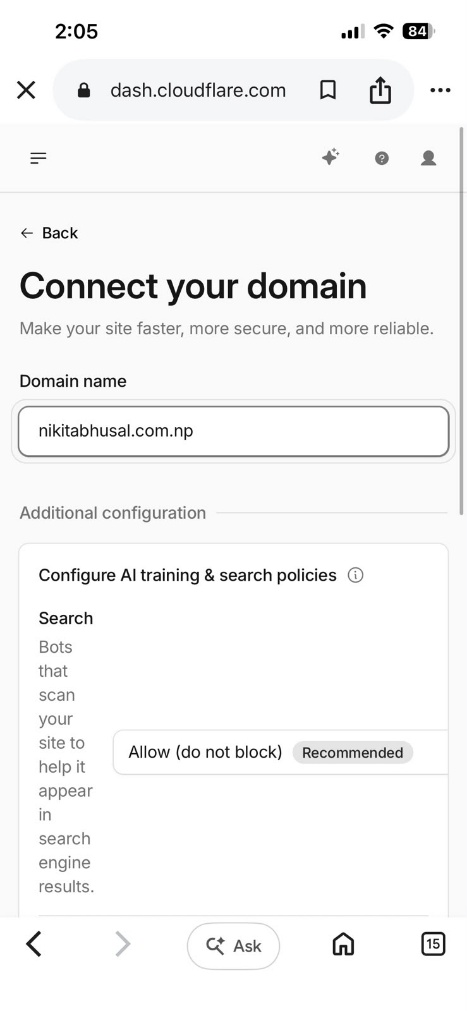
After that I clicked continue and got two nameservers.
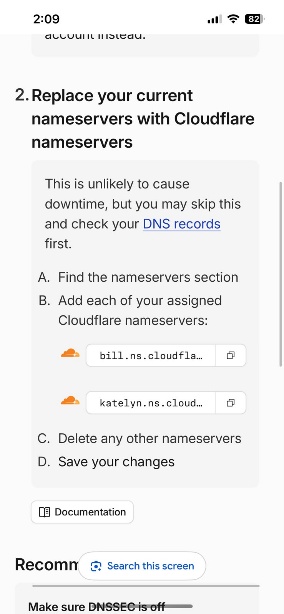
Then I went back to the .np registration site and entered that nameserver here,
I also had to fill some credentials below the nameserver fields:
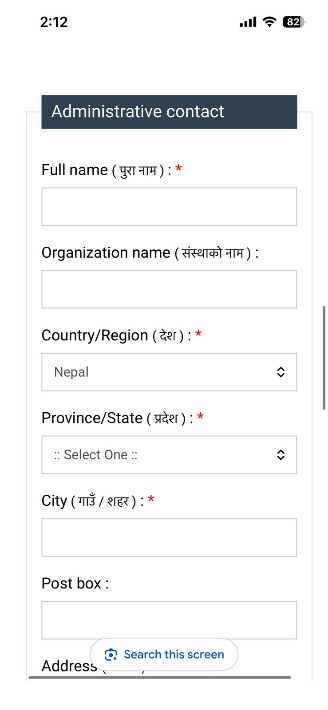
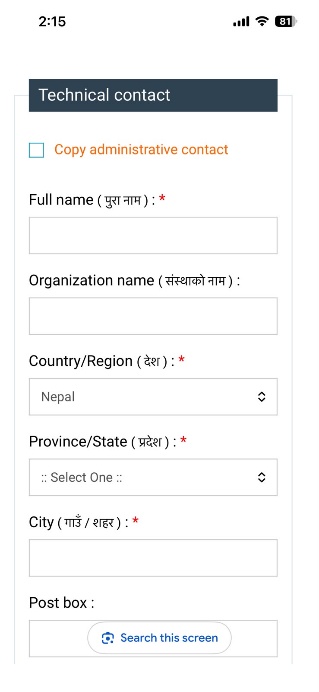
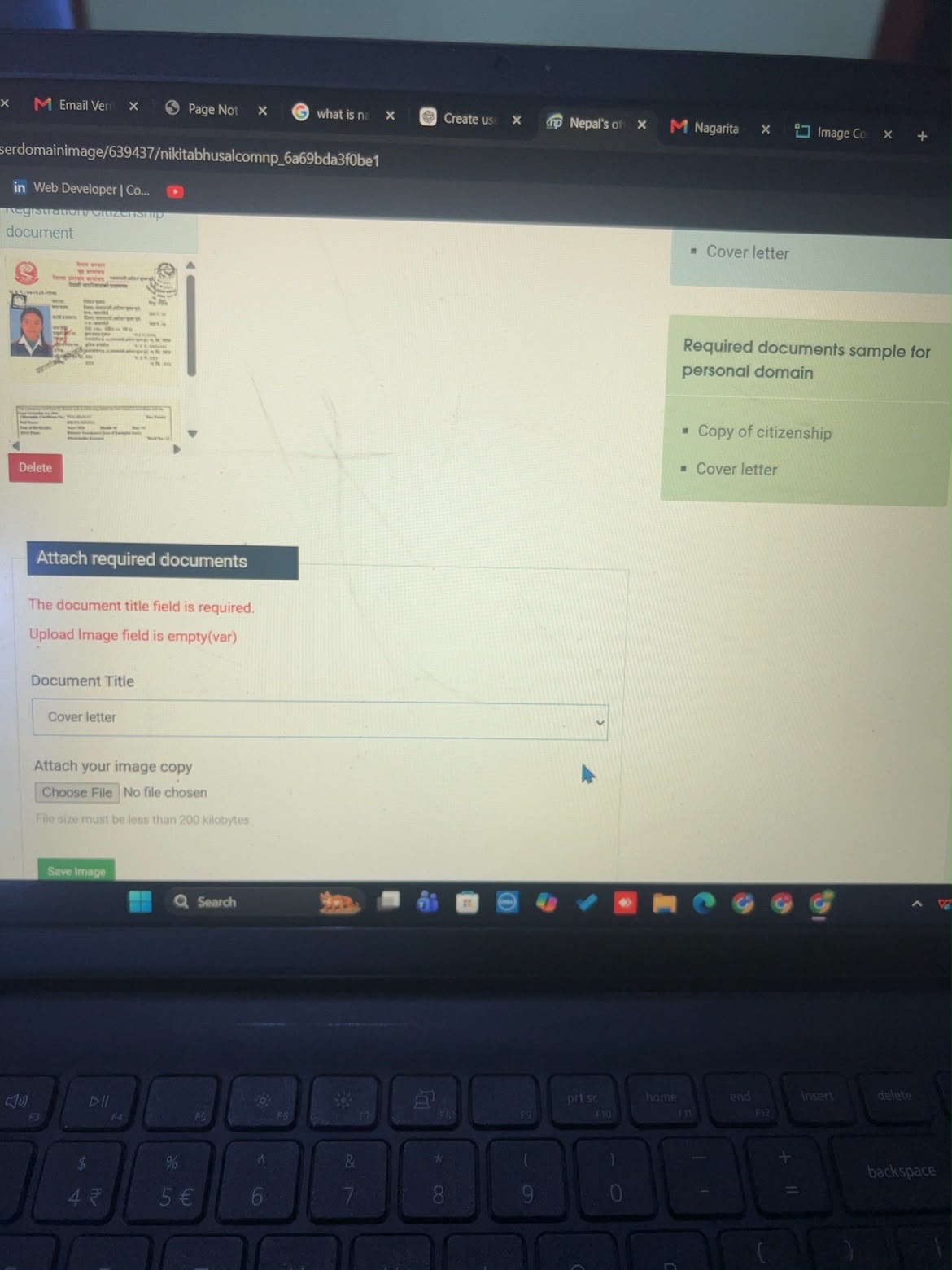
Then I had to upload my documents like citizenship, cover letter and birth certificate. The file size had to be under 200kb, and it accepted only image files.
Finally, my domain got approved.
GitHub Setup
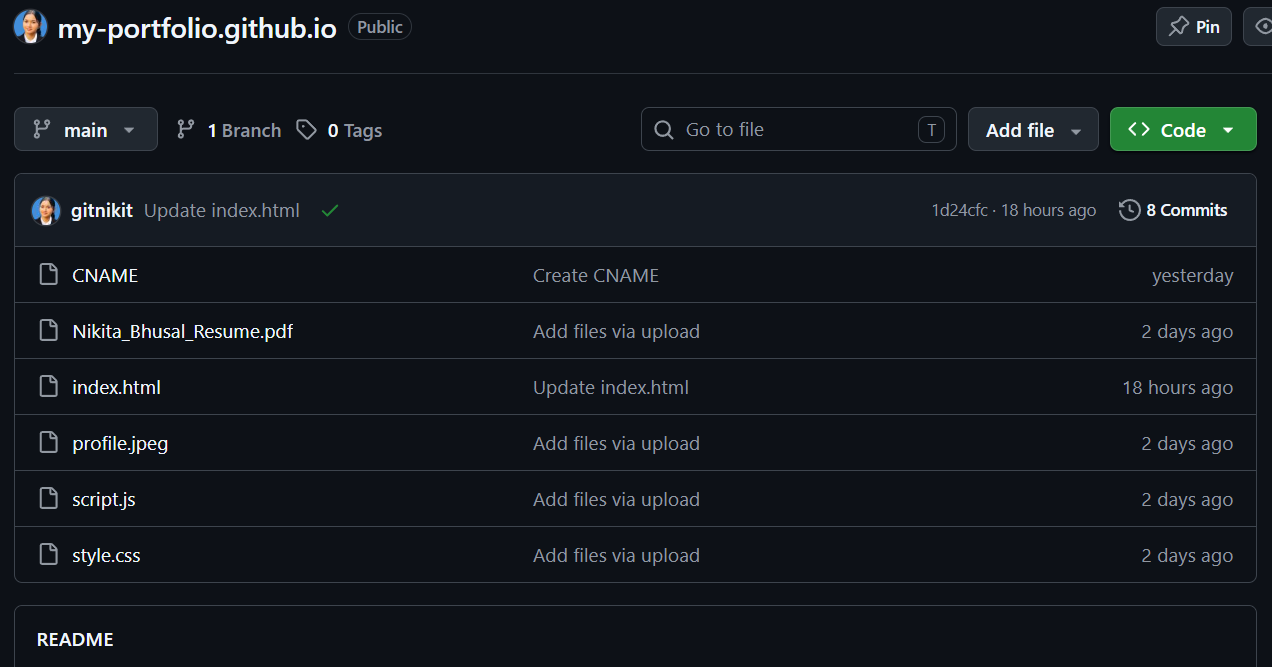
Here, I went to GitHub and signed in. I created a new repository and uploaded my files one by one. I made my repository visibility public.
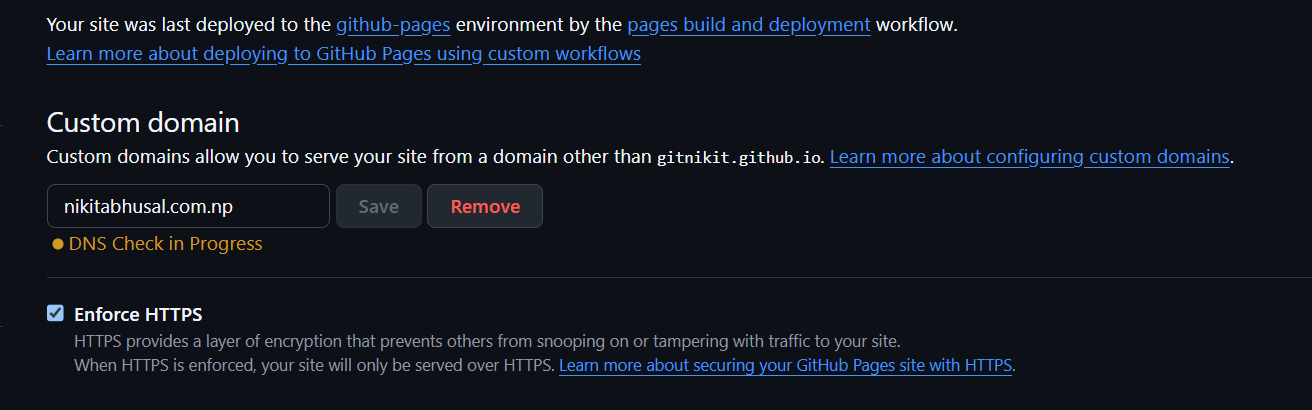
After that I went to settings, then Pages, then in custom domain I entered my domain name and saved it. After saving, GitHub showed "DNS check in progress".
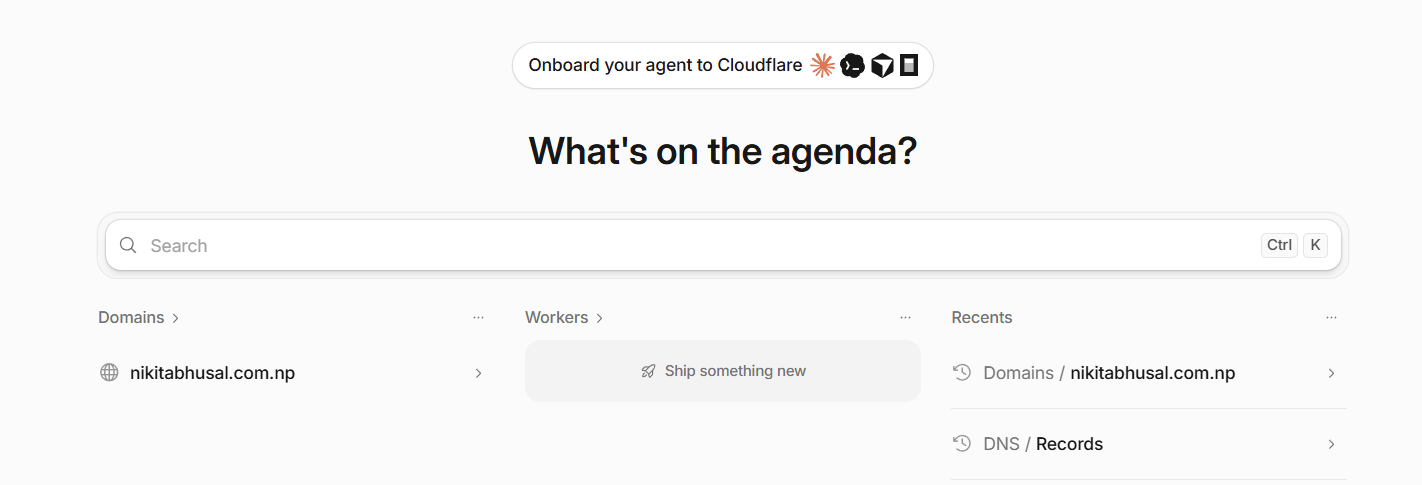
Then I had to go to Cloudflare again (while logged in) and click on my domain name, then click DNS records.

After clicking DNS records I could see a page like this (it will be empty in yours — I had already set up mine):
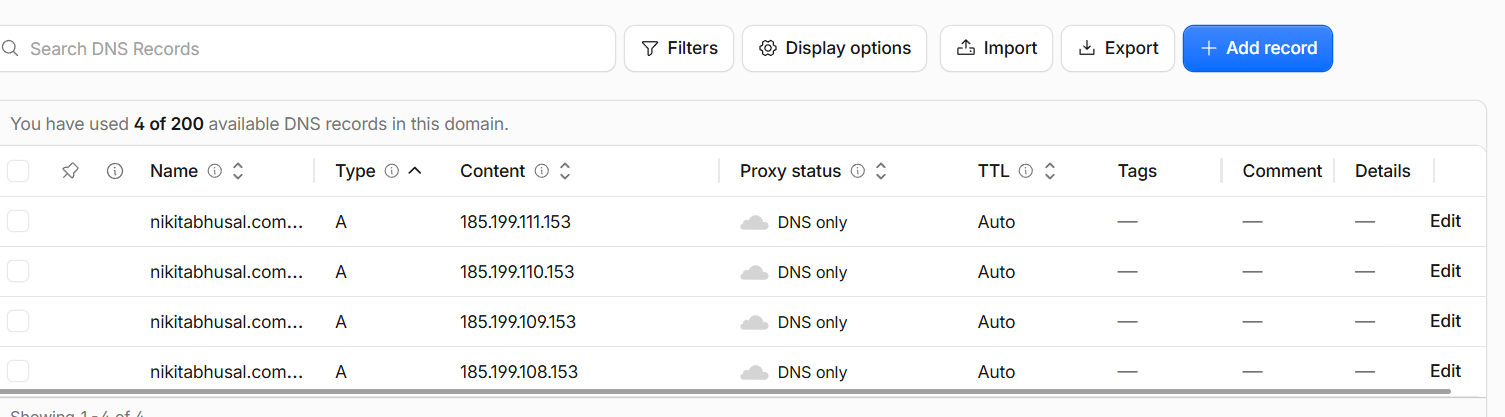
Then you have to click add record and enter three IPv4 addresses one by one, of Grade A with different networks. For the name field you write "@" and the proxy status should be off, then save it. You add three records this way.
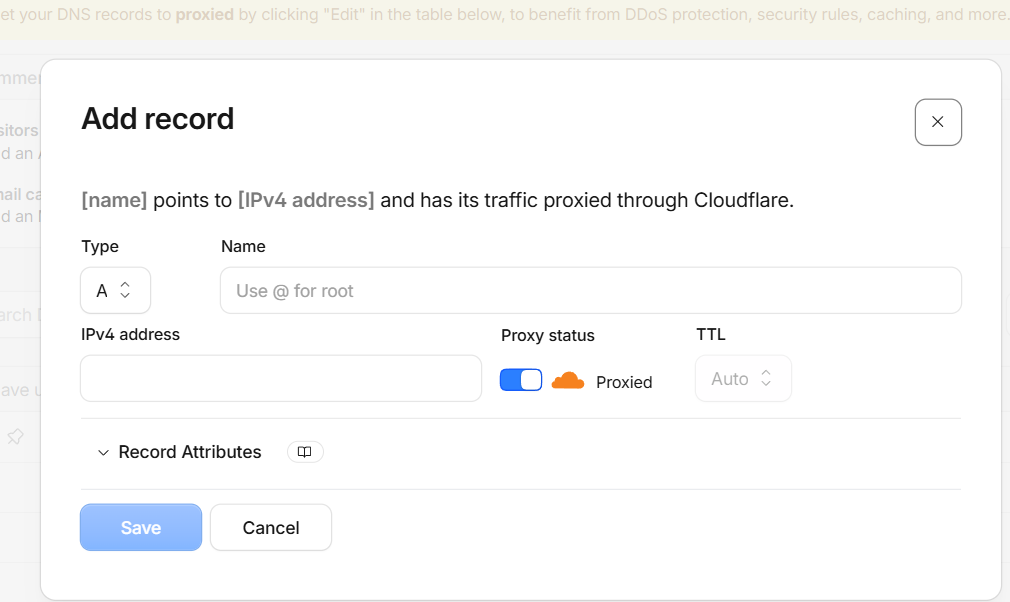
Then it looks like this:
After that, wait for GitHub to verify the DNS — it usually takes 5–10 minutes. Then enable HTTPS. You'll see a checkbox under custom domain — tick it.
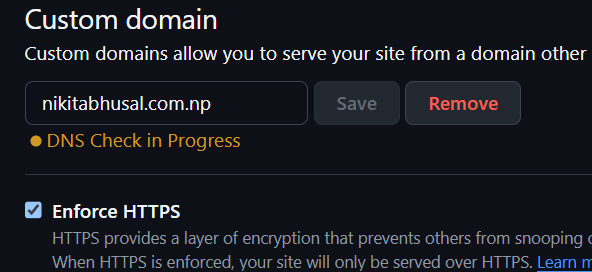
After that it will show a message like: "DNS valid for primary." This means GitHub has successfully verified the DNS for the root domain.
Then I tried searching my domain name in Google, and it showed up successfully.